Your Temporary Email Inbox: A Privacy Guide
The address is just the key — the inbox is the lock
When people talk about temporary email, they talk about the address. The random string, the odd-looking domain, the thing you paste into a signup form. But experience routing throwaway signups through temp mail leads to a different conclusion: the address is the least interesting part. It's the inbox that does the actual work of protecting you.
Think about it for a second. The address is just a label you hand to a website. The inbox is where everything happens afterward. The verification code lands there. The confirmation link waits there. And the marketing blast that would have haunted your real inbox for the next five years? It dies there too — unread, unopened, in a place you will never visit again. If you understand how to actually use the inbox, temporary email goes from a neat trick to a genuine privacy habit. If you don't, you're just generating addresses and hoping for the best.
This guide is about the inbox itself: how the Mailss inbox works in practice, the habits that make it protective instead of decorative, and the mistakes people make with it over and over.
What actually lands in a temporary inbox
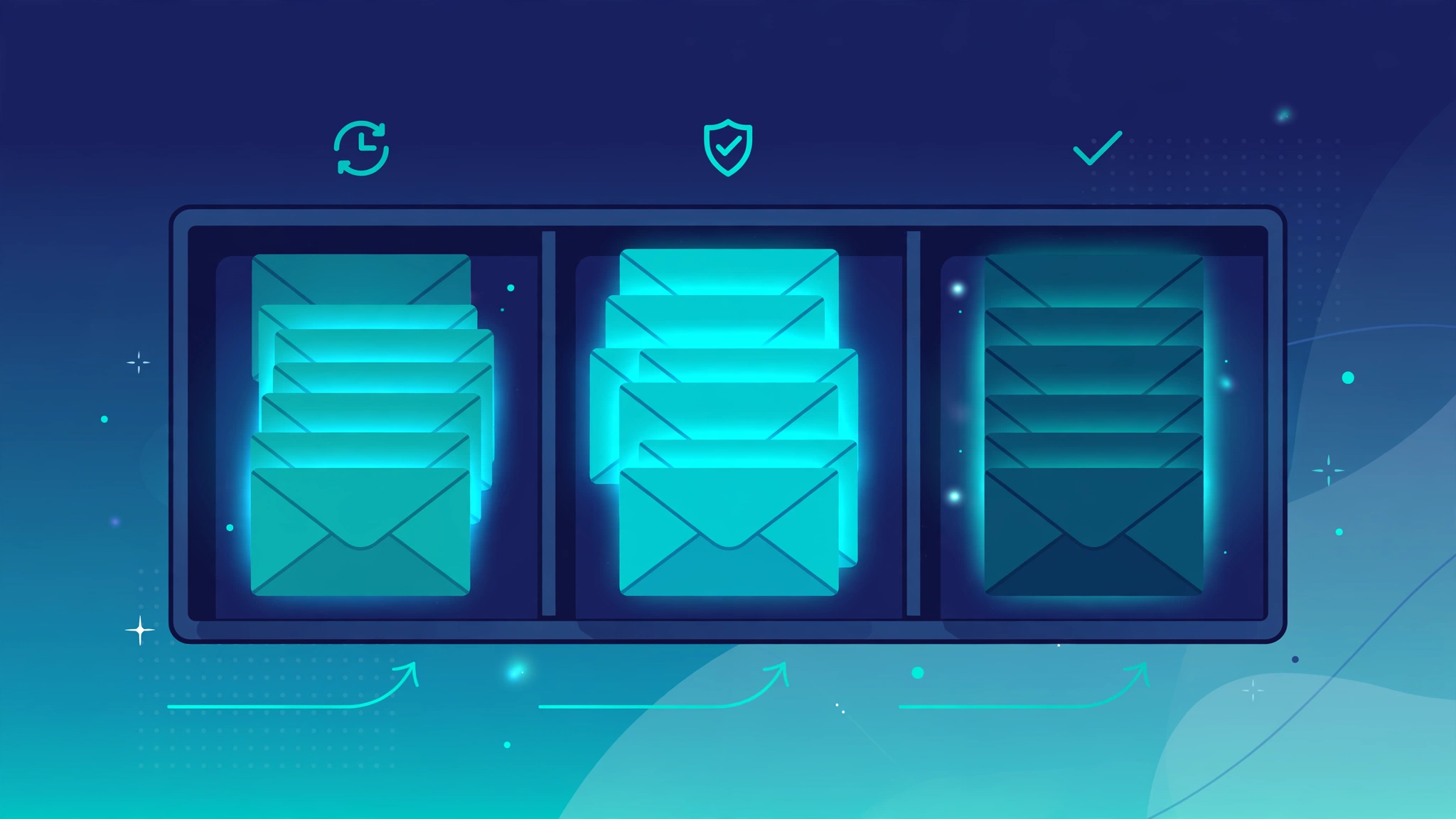
Before the habits, it helps to know what you're dealing with. Generally, mail arriving at a temp address falls into three buckets, and each one wants a different response from you.
First, the mail you asked for: verification codes, confirmation links, download links, welcome emails, one-time passwords. This is the whole reason the inbox exists. It arrives within seconds, you grab what you need, and you move on. Nothing here needs to be kept — once the code is entered or the download is grabbed, the message has served its purpose.
Second, the mail you implicitly agreed to: the newsletter you actually wanted to sample, the trial onboarding sequence, the "here's what you missed" digest from a forum. This mail is legitimate but low-value, and it's exactly the stuff that clogs a real inbox over time. In a temp inbox, it just sits there harmlessly until you rotate the address away.
Third, the mail you never asked for: partner offers, "exclusive deals" from companies you've never heard of, list-swap junk mail that starts arriving days after a signup. This is the tell. When this bucket starts filling, it means the address has leaked into marketing circulation — which is precisely the fate you spared your real inbox. Treat the arrival of this third bucket as a signal, not a nuisance: it's confirmation the system is working, and a reminder to rotate.
A walkthrough of the Mailss inbox
Open mailss.online and take a second to look at the page before doing anything. At the top there's the email field with an address already generated for you — you don't click anything to create it, it's simply there waiting. Directly below it sits the inbox. That layout tells you everything about how the tool is meant to be used: address on top, mail underneath, everything on one page, no dashboard, no settings screen, no account menu.
When a website sends something to your temporary address, it appears in that inbox section, usually within seconds. You don't refresh the page — the inbox updates on its own. Click any message to open and read the full contents. Verification codes, confirmation links, download links, welcome emails: they all land here exactly as they would in a normal mailbox, except nothing here is permanent and nothing here is connected to your name.
Next to the address field you'll notice two buttons that matter more than anything else on the page: Copy email address and Change. Copy puts the full address on your clipboard in one click, which matters more than it sounds — email addresses are unforgiving, and one wrong character means the verification email goes into the void. Change discards your current address and generates a brand-new one, inbox and all. That single button is the entire privacy model, and this guide keeps coming back to it.
Two more features are worth knowing. Favorites let you star messages you might need again — a confirmation code for a trial you're still evaluating, login details you haven't saved elsewhere. Starring keeps them easy to find while the address is active, but treat it as a reminder, not a vault: copy or download anything that truly matters before you rotate the address. The QR code gives you the same inbox on your phone: scan it and you're looking at your temp mail on mobile, which is genuinely useful when you're signing up for something on your phone and the verification code has to be read there, not on your desktop.
Attachments work as well. If a sender attaches a document, image, or PDF, you can open and download it straight from the message. A lot of people assume temp mail is text-only and then are pleasantly surprised when a gated ebook or an order receipt arrives with its file intact. It won't replace a real mailbox for heavy file exchange, but for the one-off download it handles the job.
Inbox habits that actually protect you
Here's where most people quietly get it wrong: they generate one temporary address and use it for everything, for weeks. At that point it isn't a disposable address anymore — it's just a second permanent inbox, accumulating exactly the exposure you were trying to avoid. The habits below are what separate real protection from the illusion of it.
One signup, one address
The rule is simple: every throwaway signup gets its own address. A newsletter, a free trial, and a forum account means three addresses — three clicks of the Change button. It sounds fussy until you think about why it matters. If one of those services gets breached or sells its list, the exposed address is worthless because it belongs to exactly one dead signup. No cross-referencing between services, no profile building, no "you also signed up for…" profiling — each address is an island, and islands can't be mapped into a picture of you.
Rotate when you're done, not when you remember
The moment you've gotten what you came for — the code is entered, the file is downloaded, the trial is running — hit Change and move on. Don't tell yourself you'll do it later. Later is when you forget, and the address sits there collecting the drip campaign you were trying to dodge in the first place. Rotation is the entire value proposition of temporary email. An address you never rotate is just a junk folder with extra steps.
Use favorites for the in-between cases
Sometimes you're genuinely not done with an address. A trial you're still evaluating, a code you might need again tomorrow, login details you haven't stored anywhere yet. That's what favorites are for — star the message and it's one click away instead of buried in a list. But be honest with yourself about "later." If later hasn't arrived in a few days, it isn't arriving. Rotate and don't look back.
Read before you trust
Open messages and actually read them before clicking anything inside. A temporary inbox does not make you immune to phishing — a fake "verify your account" email works exactly the same whether it lands in Gmail or in Mailss. The inbox protects your identity; it doesn't protect your judgment. If a message looks off — wrong branding, urgent threats, an attachment you didn't ask for — treat it as hostile no matter which inbox it arrived in.
What the inbox can't do for you
A note on the limits: temporary email gets oversold and then people get burned trusting it for the wrong things. Knowing the boundaries is part of using the tool well.
First, Mailss is built for receiving, not sending. You cannot reply from a temporary address or compose mail with it. The workflow is one-directional by design: take an address, hand it out, read what comes back. If you need to send mail, that's what your real email provider is for.
Second, a temporary inbox is not a vault. Never use it for banking or payment apps, password recovery on important accounts, two-factor authentication codes, or anything where losing access would cause you a real problem. If the address is gone, the recovery path is gone with it — there is no "forgot password" for an inbox that no longer exists. This is exactly how people get locked out of social media accounts they couldn't recover. Avoid joining them.
Third, some websites block disposable email domains outright. You'll paste the address, submit the form, and get a flat "temporary emails not allowed." That's the site's policy, not a malfunction, and it's worth respecting rather than fighting. Sometimes a fresh address gets through; sometimes it doesn't. Either way, the site just told you exactly how it treats your data — that's useful information in itself.
When to burn it and start fresh
If you take one habit from this guide, make it this: treat every temporary address as already expired. The healthiest relationship with temp mail assumes each address only lives as long as the current session — Mailss auto-purges the inbox when the session ends, and nothing here is permanent.
Rotation belongs in three situations. One: the job is done — code received, download grabbed, trial started, no further mail expected. Two: the inbox starts filling with mail you didn't ask for — that's the leak signal described earlier, and keeping the address past that point serves no purpose. Three: a new signup is starting — new signup, new address, no exceptions, even if the old one is only an hour old.
The Change button makes all of this painless, which is the whole point. Privacy tools that people actually use beat theoretically perfect tools that people abandon after a week. One click, fresh address, old inbox gone. Make it a reflex, and your real inbox stays clean for the mail that genuinely matters — messages from real people, real accounts, real life. Everything else can burn.
Frequently asked questions
How long does a Mailss inbox last?
Think of it as short-lived by design. It's built for one-off signups and verifications, not as a mailbox you return to next week. When you're finished, hit the Change button and move on — that rotation is the intended lifecycle, not an inconvenience.
Can an address be recovered after hitting Change?
No, and that's deliberate. Changing the address discards the old one and its entire inbox permanently. Finish the signup completely — codes entered, downloads saved, anything important copied elsewhere — before you rotate. Don't treat the star as a rescue plan for a message you'll need next week.
Do messages arrive as fast as with normal email?
Yes — typically within seconds, occasionally a couple of minutes when the sender is slow. The inbox updates itself; the Refresh button is there if you want a fresh check. If nothing shows up after several minutes, the first thing to check is whether the pasted address matches your Mailss address character for character.
Is it safe to download attachments from the temp inbox?
The inbox opens and downloads attachments — documents, images, PDFs — like any mail client. The usual caution still applies: only open files you were expecting from a signup you initiated. Temporary mail doesn't scan attachments for malware, so your judgment is the antivirus here.
Can websites tell a temporary address is being used?
Some can and do — disposable domains are public knowledge, and a number of services block them as policy. Plenty of sites never check. If one rejects your address, try a fresh one with the Change button; if that fails too, take the hint and decide whether that site has earned your real address.
That's the inbox, end to end. It's a simple tool, and simple tools reward simple habits: one address per signup, rotate the moment you're done, never hand it anything you'd miss. Do that consistently and the entire unwanted-mail economy loses its grip on the one inbox you actually need to protect.